Photography Location Maps Need More Than Pins
A photography location map becomes useful when it remembers the things you would otherwise forget. The pin tells you where a place is. A reference photograph tells you which entrance you used, what blocked the foreground, or where the skyline finally opened up. For a drone shoot, the distinction between the launch location and the subject can matter just as much. A neat collection of pins is a start; the notes around them are what turn it into a working photographic memory.
My preference is to keep those notes plain and specific. “Good view” is nearly useless six months later. “Camera faces west from the public path; foreground fence enters the lower right corner” gives the next visit something to work with. A reference frame can do even more, provided it remains attached to the map when the files move to another computer. That last detail is easy to overlook. We tend to test our systems on the one machine where everything already works.
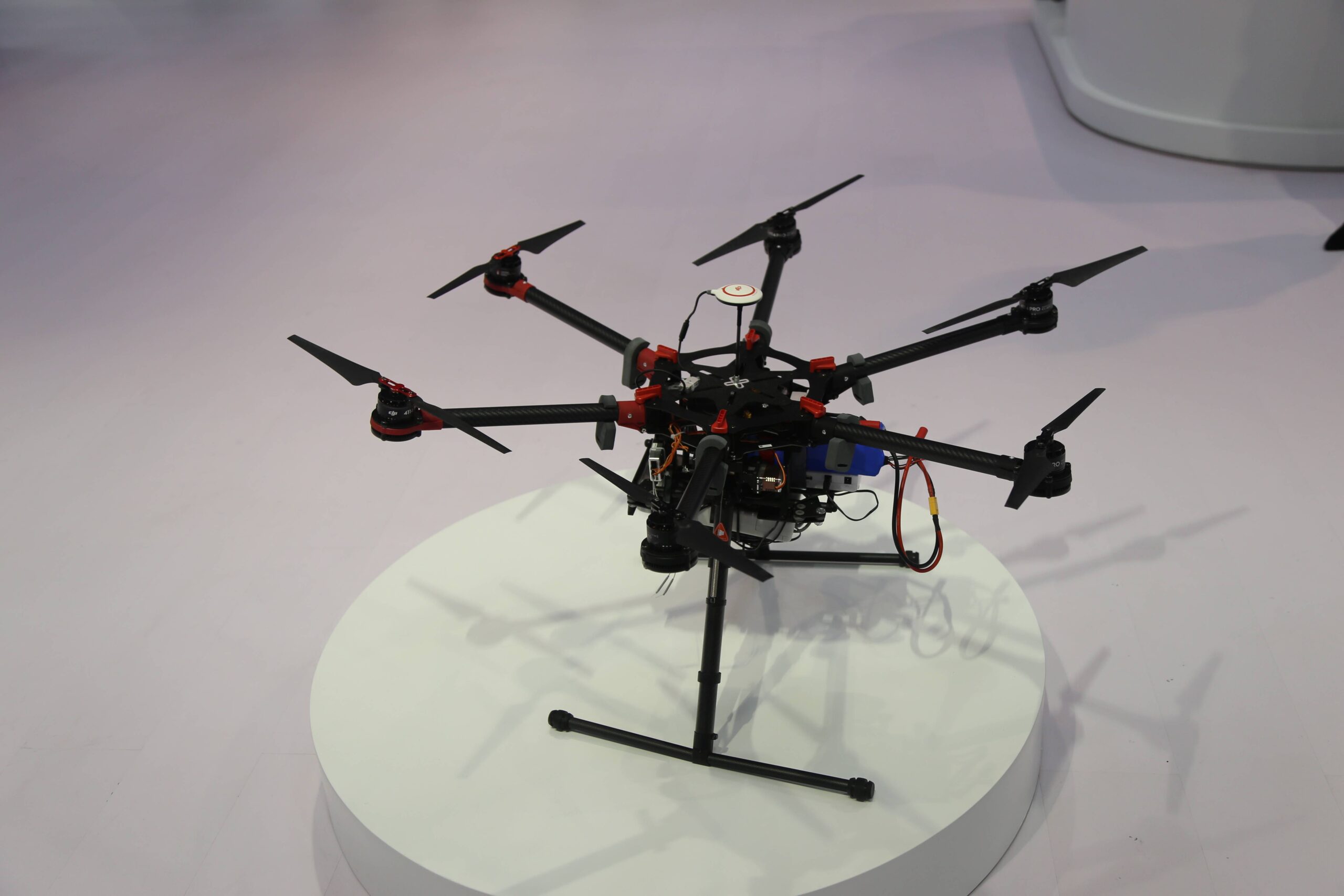
This exhibition photograph shows an exposed-frame multirotor on a round white plinth. Long black arms radiate from the central frame, red fittings mark the joints, and visible wiring surrounds the equipment mounted beneath it. The open construction makes the relationship between aircraft and payload unusually easy to see. It is a photograph of a drone on display, rather than an aerial sample or a record of a location flight. Photo: Pxef.com.
There is a useful warning in iKML’s guide to KMZ files with broken picture references. A map can point to a photograph on its creator’s desktop instead of a copy packaged inside the archive. The creator sees the picture; the recipient does not. iKML can identify those local paths and missing assets, but it cannot recover photographs that were never included. The person assembling the map has to supply them.
For a location notebook, that suggests a simple test: open the exported package somewhere that cannot reach the original photo folder. Check the pictures as well as the pins. If a collaborator is involved, ask them to open it before the shoot, while there is still time to fix a missing reference. Keep the original photographs separately too. Small reference copies are convenient in a map, while the full files belong in the photographic archive.
Timing deserves the same care. A walking route or flight track can help reconstruct when you reached a viewpoint, but its usefulness depends on retaining the relationship between positions and times. iKML’s GPS track conversion example shows that its GeoJSON export stores per-position times in a separate array. Another application has to understand that convention to use them. Seeing the line on a map does not establish that the timing remains usable in your next tool.
Before matching a route to photographs, check the camera clock and how the track records time. A camera set to local time and a track recorded in UTC need an explicit adjustment. Keep a note of that adjustment with the job. Otherwise it is very easy to assign a convincing location to the wrong frame, which is worse than leaving the location unknown.
A location map should also distinguish observation from expectation. Mark a place you have photographed differently from somewhere you intend to investigate. For drone work, record the proposed viewpoint separately from any actual flight record, and assess conditions again on the day. The map is there to preserve useful knowledge. Its value comes from being understandable on the next trip, by someone who no longer remembers every small decision.